
1. Performance: CPU & GPU
The performance of a gaming laptop depends largely on the CPU (Central Processing Unit) and the GPU (Graphics Processing Unit). Here’s what to look for:
- CPU: Look for a high-performance CPU, as it’s essential for smooth gameplay. For gaming, aim for Intel Core i7 or i9 (10th gen or later) or AMD Ryzen 7 or 9 (5000 series or later).
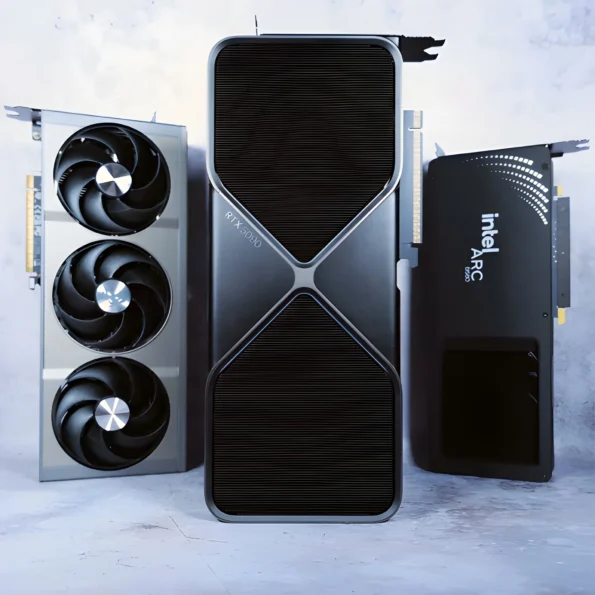
- GPU: The Graphics Card (GPU) is the heart of gaming performance. For high-end gaming, you’ll want a NVIDIA GeForce RTX 3060 or better. If you want top-tier performance, go for the RTX 3080 or RTX 4090 series. AMD Radeon RX 6000-series is also a solid alternative.
Quick tip:
If you’re into VR gaming or 4K gaming, opt for higher-end GPUs (RTX 3080 or RTX 4090).
2. Display: Resolution & Refresh Rate
A good display enhances the visual experience, so don’t skimp on this.
- Resolution: For the sharpest visuals, go for 1440p (QHD) or 4K displays. However, 1080p can still provide an excellent experience if you’re on a budget.
- Refresh Rate: A higher refresh rate equals smoother gameplay. Aim for 120Hz, 144Hz, or higher for fast-paced games. Some premium laptops offer 240Hz or 300Hz screens.
Quick tip:
If you’re focused on competitive gaming (e.g., FPS games), a higher refresh rate (144Hz or 240Hz) is essential.
3. RAM (Memory)
- 16GB of RAM is the sweet spot for most gaming laptops. It allows smooth multitasking and helps with performance in modern games.
- For heavy multitasking or streaming while gaming, go for 32GB of RAM.
4. Storage: SSD vs. HDD
- SSD (Solid State Drive): For fast load times and better overall performance, get a laptop with at least 512GB SSD. An NVMe SSD (faster than SATA) is ideal for quicker game loads.
- HDD (Hard Disk Drive): If you need more storage for games and other files on a budget, some laptops offer 1TB or more of HDD space in addition to an SSD. You can store large games on the HDD and run them off the SSD for faster loading.
Quick tip:
Aim for a minimum of 512GB SSD for gaming and ensure it’s NVMe-based for faster speeds.
5. Battery Life
Gaming laptops tend to have shorter battery life due to high-performance components. However, certain models are designed with better battery management.
- 6-8 hours is standard for non-gaming tasks, but gaming will drain the battery faster. Ideally, find a laptop with 4-5 hours of battery life while gaming, although expect less when running graphically intensive games.
- Some gaming laptops feature optimizations to extend battery life when not playing games (such as power-saving modes).
6. Keyboard & Build Quality
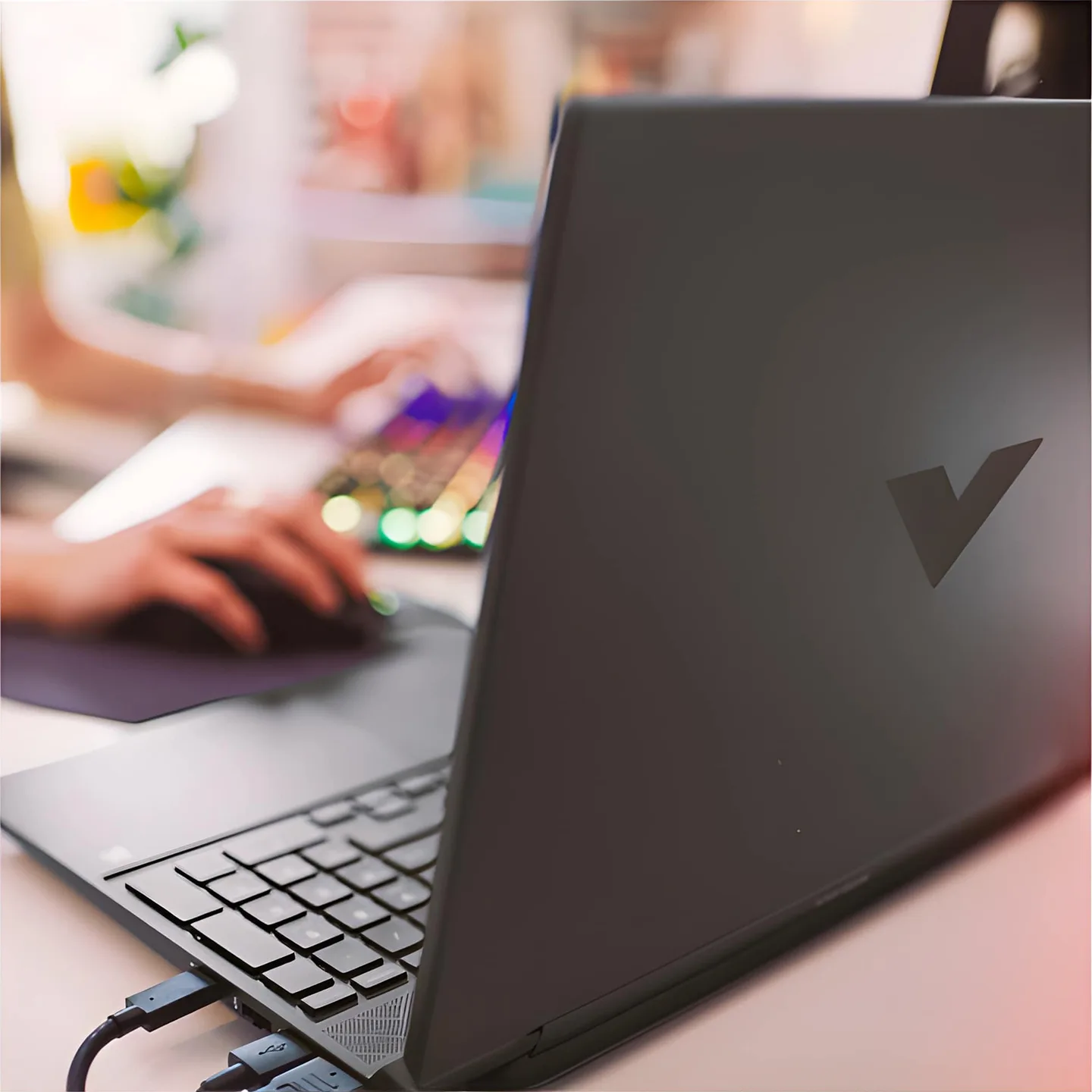
- Keyboard: A high-quality RGB backlit keyboard is often standard on gaming laptops. If you’re serious about gaming, a keyboard with n-key rollover (multiple keys pressed at once without ghosting) is essential.
- Build: Gaming laptops can be heavy and bulky, so make sure the laptop has solid build quality. Look for models with aluminum or magnesium alloy chassis for durability.
7. Cooling System
Gaming laptops get hot during intensive gaming, so proper cooling is important for maintaining performance.
- Look for laptops that feature dual fans, Vapor Chamber Cooling, or advanced heat dissipation systems. These systems help ensure the laptop doesn’t throttle performance during long gaming sessions.
8. Portability
- Gaming laptops can be large and heavy, with many weighing 5-7 lbs or more. If you plan to carry your laptop around, look for a more compact model with thin bezels and a manageable weight.
- Thin and light gaming laptops have become more common, but the more portable the laptop, the fewer advanced cooling systems or high-end hardware options you may get.
9. Ports & Connectivity
- USB Ports: Ensure the laptop has at least two USB-A and one USB-C port. USB-C is great for charging or connecting external devices.
- Ethernet Port: If you game online, having a Gigabit Ethernet port for a stable connection is essential.
- Wi-Fi 6: Make sure the laptop supports Wi-Fi 6 for faster wireless internet speeds and more reliable connections.
10. Price & Value for Money
- Budget: A solid gaming laptop can be found in the $800-$1200 range, with mid-tier models featuring great performance.
- Premium: Premium models often range from $1500-$3000 or more. These offer the best graphics, processing power, and build quality, including 4K displays and RTX 30/40 series GPUs.
11. Brands to Consider
Some well-known brands that are popular among gamers include:
- Alienware (Dell): Known for premium gaming performance and unique designs.
- Razer: Offers ultra-slim gaming laptops with high-end components.
- MSI: Offers a range of gaming laptops with powerful GPUs and cooling systems.
- ASUS ROG (Republic of Gamers): Known for a range of performance-oriented laptops with good displays.
- HP Omen: Great for a mix of gaming and general productivity.
- Lenovo Legion: Offers high-performance laptops for gaming and multitasking.
Conclusion: What to Look for Based on Your Needs
- Casual Gamer: If you play less demanding games (like indie games, some strategy, or simulation games), a mid-range GPU (like the GTX 1660 Ti or RTX 3060) with a 1080p screen and 16GB RAM will suffice.
- Serious Gamer/Streamer: Opt for a RTX 3070 or better, 16GB or more of RAM, and a high-refresh-rate display (120Hz or higher). A good cooling system and battery life should also be a priority.